
Discover the Magic of Personalized Holiday Decor
Explore Our World of Handcrafted Ornaments: From Coastal Charms to Musical Mementos






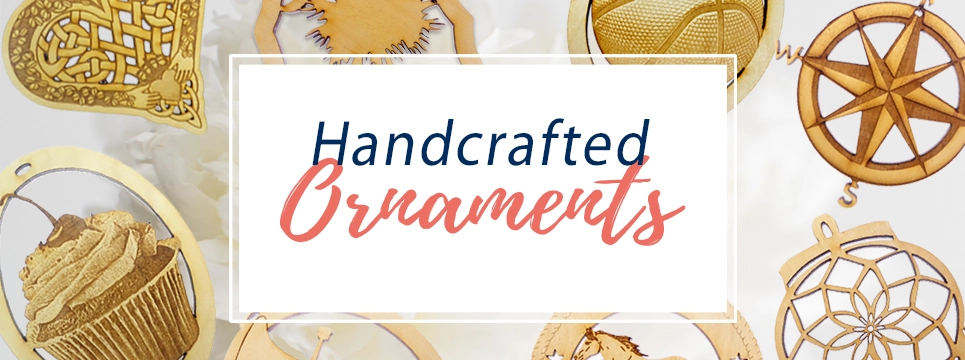
Welcome to a unique destination for all your holiday needs. Here you’ll find a vast selection of meticulously handcrafted ornaments designed to add a distinctive touch to your Christmas tree. Our collection spans an impressive range of categories, showcasing the richness and diversity of interests, professions, and passions you hold dear.
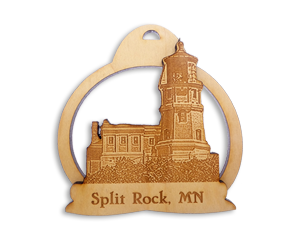
From the stunning architectural marvels encapsulated in our Landmark Ornaments to the vibrant ecosystem represented in our Animal Ornaments, every design is a small celebration of life. For those who cherish the tranquility of coastal living, our Coastal Christmas Ornaments capture the essence of sea and sand.
Are you a fan of music or sports? You’ll delight in our finely crafted Musical Instrument and Sports Ornaments. Looking to commemorate a special occasion or milestone? Our Special Occasion Ornaments are created with such heartfelt moments in mind.
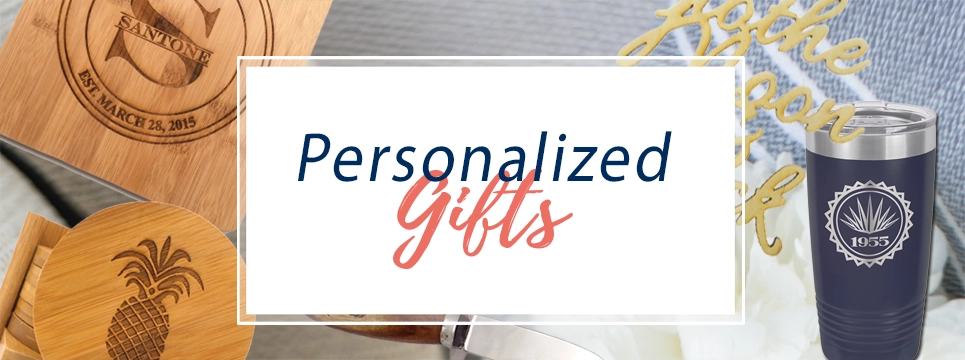
Each ornament you explore here has been lovingly crafted in the USA, demonstrating a commitment to quality and craftsmanship. And, to make your purchase even more special, most of our offerings can be personalized to create a memento that’s truly one of a kind.
Whether you’re on the hunt for the perfect dog ornament or a landmark ornament that speaks to your love of travel, our diverse range caters to everyone. Every piece isn’t just a decoration—it’s a keepsake, a cherished memory, a piece of your family’s tradition hanging from your tree.
We invite you to immerse yourself in our collection, each category revealing a new facet of creativity and attention to detail. It’s more than just holiday shopping—it’s an adventure into the world of bespoke decorations that embody the spirit of the season.
Welcome to your personalized Christmas experience. We’re glad you’re here.
Don’t miss out on our best sellers… This season’s hottest products!
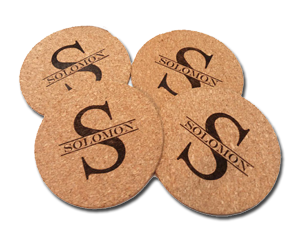
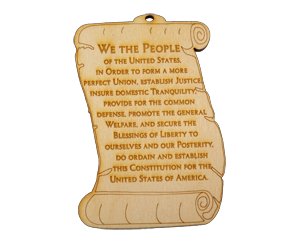

We hand make every ornament and gift in our studio. Located in Charleston, South Carolina,

Sign up for our newsletter to receive a special discount and be the first to know when we add new ornament designs!

We are a proud veteran, family-owned and operated business.
